
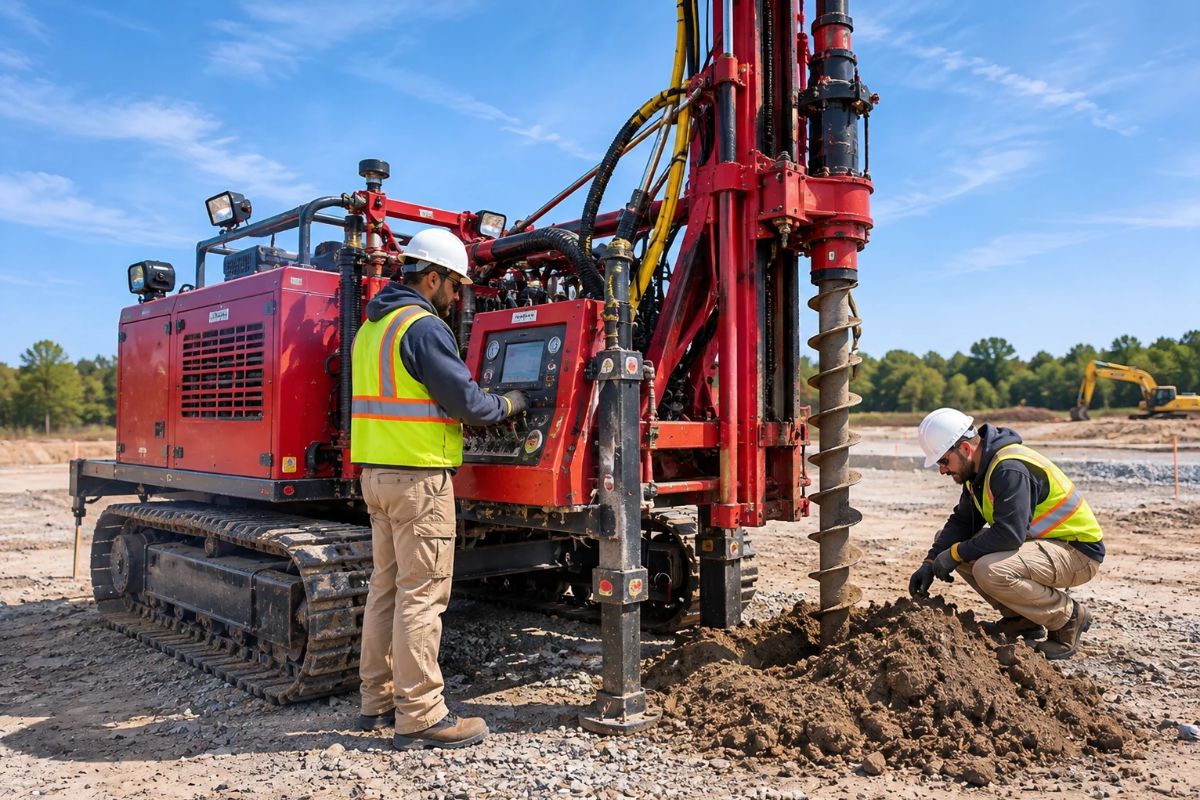
Drilling Rig Scheduling Software: From Rig Board to Daily Report
Rig schedules rarely hold still. A crew finishes early on one project, a hole takes longer than planned on another, and a subcontractor opens up midweek. If the plan lives in a spreadsheet and the dispatch lives in a text thread, someone is always working from last Tuesday's version.
Omnant's new Equipment Scheduling puts the plan on one weekly board. It's drilling rig scheduling software built into the platform your team already uses for projects, work orders, and field reports. Drag a dispatch onto the board, and it becomes work orders on your crews' schedules. When the drillers finish, they file a drilling field report against the same project.
Here's what it does for your team, from the first booking to the daily report.
See Every Rig & Subcontractor in One Week
One weekly board shows every rig and subcontractor, so you can see who is booked, who is free, and where the gaps are. When plans change, you change the board:
- Drag a job to a new date, stretch it to add days, or hand it to another rig.
- Mark the days a rig won't be on site, so no one books against them.
- Put subcontractors on the same board as your own rigs and schedule them the same way.
Set each rig's preferred workers and color once, and the board remembers them for every dispatch.
Keep Incoming Work, Priorities & Permits in View
New work waits in a queue until you're ready to book it. Rank it by priority, then place it on the board when a rig opens up.
Each dispatch carries what the drillers need: client, project, scope, number of days, drilling instructions, drilling locations, and any notes and files. It also tracks permits and tickets and sends expiration reminders, so a lapsed permit doesn't stall a job at the last minute.
Get the Plan to Your Crews
A schedule only helps if the crews see it. Drilling rig scheduling software has to carry the plan past the office, and in Omnant a booked dispatch turns into daily work orders in a few clicks. For each day, you set the start time, location details, crew members, and remarks for the drillers. If the details repeat, copy them across the other days and save.
Crews see their assignments on their own schedule and on the project. The office sees the day's work across all projects and can filter by project.
No one has to ask where the rig is headed tomorrow. It's on their schedule. The same scheduling system also covers your field inspectors and lab staff.
In the Field: A Drilling Report Built for Drillers
Drillers report on a dispatch with a field report designed for drilling work, instead of the standard field report form. It records the times they leave the shop, arrive on site, and leave the job, and it asks what type of work was done. A drilling summary covers each boring: starting, ending, and total depth, number of samples, drilling method, and sample types. The report also captures personnel hours and on-the-job time by task. For a closer look at what that data becomes, see Omnant's guide to reading a soil boring log.
When the crew files, the report produces its own PDF, the Drilling Daily Field Report. It's laid out to match the fields the crew filled in, so depths, sample counts, and hours don't get retyped back at the office. Because the report lives on the same project as the dispatch, the plan and the result stay in one place.
Every drilling operation reports a little differently. The fields on the report and the layout of the PDF can both be customized, and Omnant can set up different fields or a different layout to match how your team and your clients expect to see the work.
From Dispatch to Daily Report in One Place
Rig schedules will keep changing. Where the plan lives shouldn't. With Equipment Scheduling, a dispatch starts on the board, becomes work orders for the crew, and comes back as a Drilling Daily Field Report on the same project. If you're comparing drilling rig scheduling software, that single thread from office to field is the part to look for.
Omnant's field drilling services page covers the rest of the drilling workflow, and our guide to geotechnical engineering software tools looks at the wider software picture. And if you'd like to see Equipment Scheduling run on your own rigs and crews, book a demo and we'll set up a call.
Share this Post:
Related Blog Post


Start streamlining your inspection and CMT testing processes with Omnant's integrated solution. Contact us today to learn how our software can support your goals for operational excellence.